Annotated Documents
Engineering Workbench keeps track of documents that you have annotated as well as documents with annotations that have been created by other users, and shared with you. This information listed in the  Annotated Documents tab of My Workspaces.
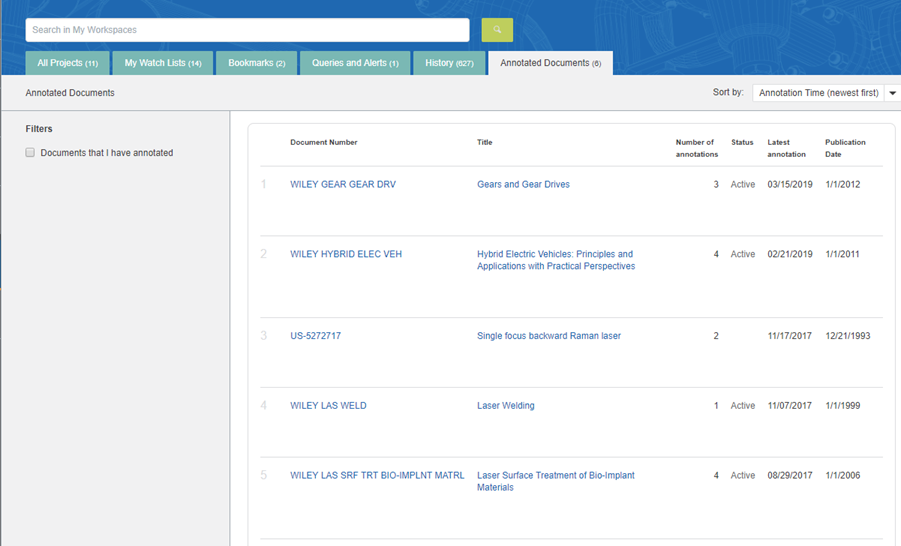
To view a document and the correlating annotations
- Click on the document title or document number
To see a list documents that only contain annotations you have made
- Select the Documents that I have annotated check box. This filters the document list to those documents that you have annotated.
To search for a document in the list of annotated documents
- Type a query in the query box located above the My Annotations tab. Your search returns relevant documents from this collection of annotated documents.