Customize Interface
To display the Customize Interface page
On the left panel of application links, click  (Administrator),
and then
click Customize Interface.
(Administrator),
and then
click Customize Interface.
The Customize Interface page looks like this:
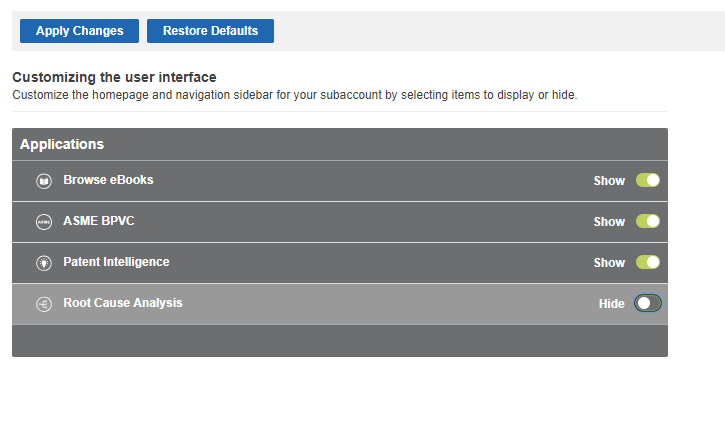
This page enables administrators to create a customized user interface for a subaccount. Administrators can select to display or hide specific applications and features. These customizations to the Engineering Workbench user interface are applied to all users of the subaccount.
- To display an application or feature in the user interface, turn on the switch for it.
- To hide an item, turn off the correlating switch.
- Click Apply Changes.