Subscriptions
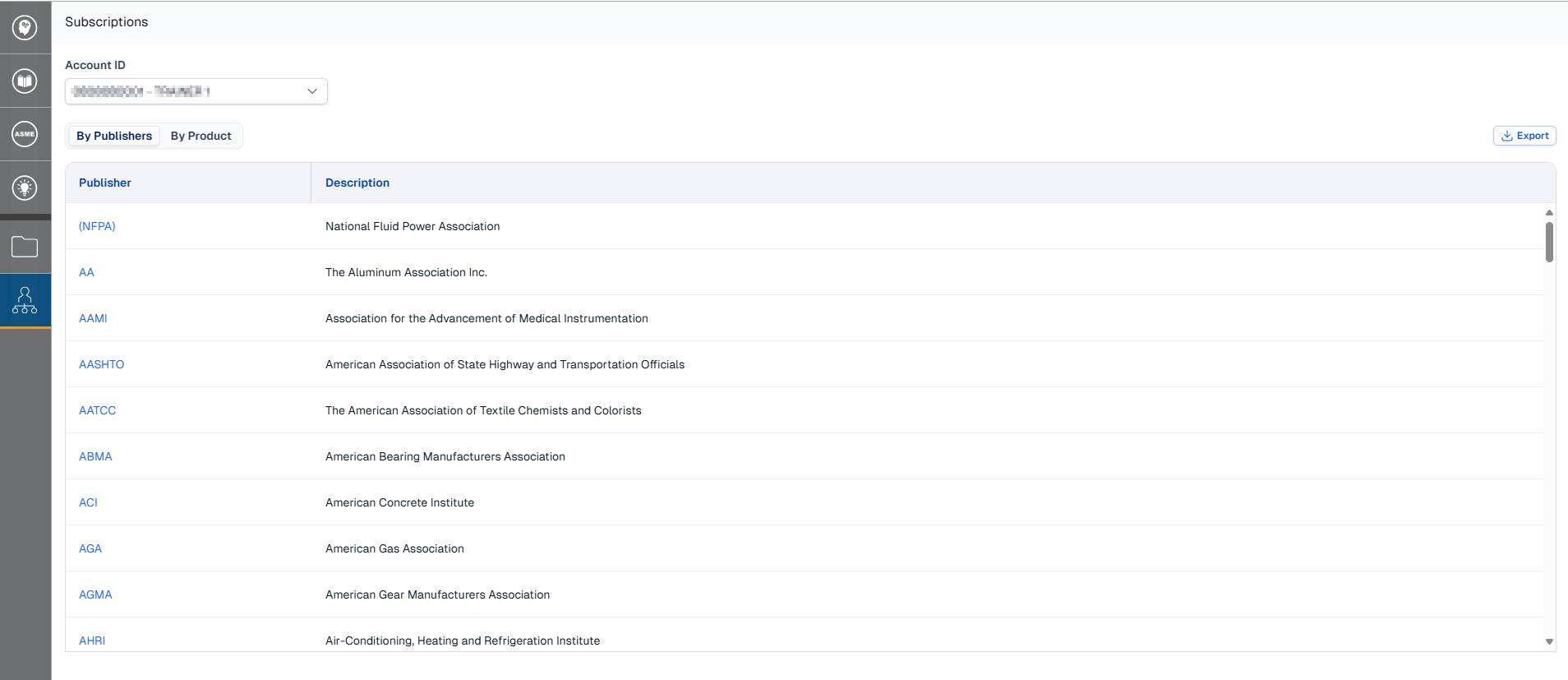
Engineering Workbench Administrators can access a comprehensive list of all their account(s) subscriptions.
This is specific to administrators. Non-admin users may view their account's subscription list on the My Subscriptions page.
View Subscriptions
-
Open the Administrator menu and click Subscriptions.
-
Click on the Account ID drop down at the top of the page to switch between accounts.
Export Subscription List
Download a .CSV of an account's subscriptions.
-
While viewing the account you wish to export, click the Export button located at the top-right of the table.
Note: There is no confirmation dialog, your export will begin immediately after you click the button. Based on the number of documents in the account, the data may be split into multiple files or compress the file to ensure smooth and secure viewing in Excel.
-
The download will have a file name that reads "Subscriptions_[Account #]".