Smart Search
Smart Search is a feature within the Document Viewer of Engineering Workbench. Unlike the traditional document search, which looks for keywords, Smart Search uses semantic language processing to understand natural language questions and return a list of relevant passages.
Search and Results
To begin, select Search in the Document Viewer menu, then click into the search bar and enter your query. Smart Search results can be filtered. Click on the Filter button to enable a view of only answers found within Tables & Figures, or view only answers within a specified page range. or both by selecting the appropriate filter box and pressing Apply.
Requesting Documents
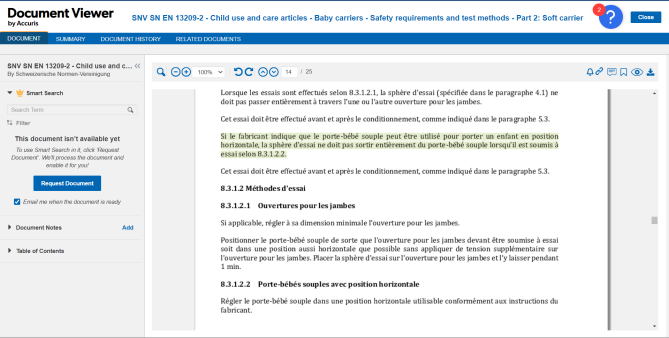
Certain documents have not yet been processed for Smart Search. In this case, the Smart Search widget will display the message: “This document isn’t available yet.”
Click “Request Document” to add it to our queue of documents to process.
Underneath the button there is also a check box, which tells us whether you want to be contacted when the document has finished processing.