Open topic with navigation
Showing more filters
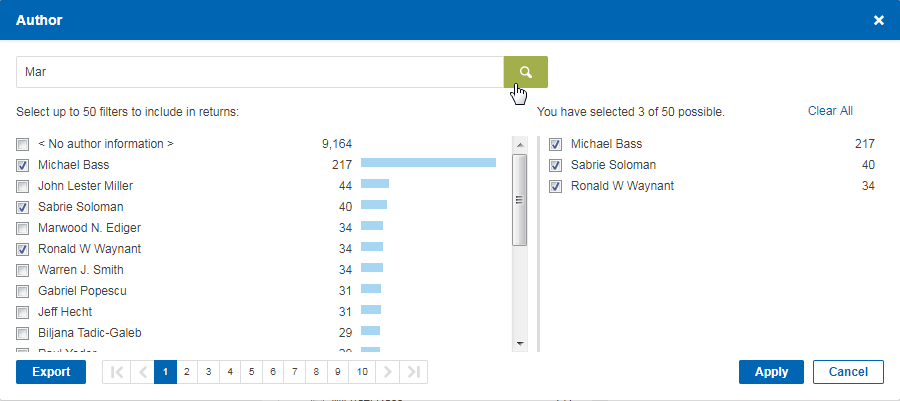
When you click More at the bottom of a filter category, a window that includes the complete list of all the filters in that category is displayed.
Depending on the type of filter category, the window shows a list of publishers, authors, subjects, sites or domains, etc.
In this window, you can do the following:
- Select the check boxes at the left of the items by which to filter your search results. Your selected filters are listed at the right. Clear a check box to unselect a filter. Click Clear all to unselect all filters.
- Use the search box at the top of the window to search for items in the filter category.
- Use the page selector at the bottom of the list to display more pages.
- Export the list as a table to an Excel file (XLSX). You can export all the results on the page, or up to 10,000 of all of the results on all pages.