Overview of patent search results
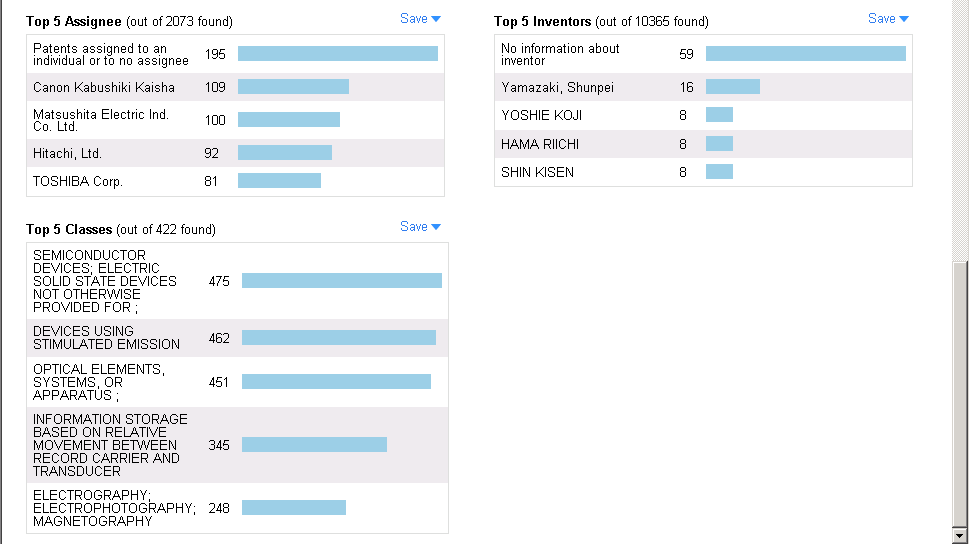
The overview of patent search results has two sections:
- Patents Activity chart
- Three charts showing the following:
-
-
Top five assignees
-
Top five inventors
-
Top five patent classes
-
You can save any of the charts to My Workspaces, and you can export any chart to a file.
To save or export a chart
- Click Save at the upper right of the chart.
- Click one of the following:
- Save to My Workspaces
- Export
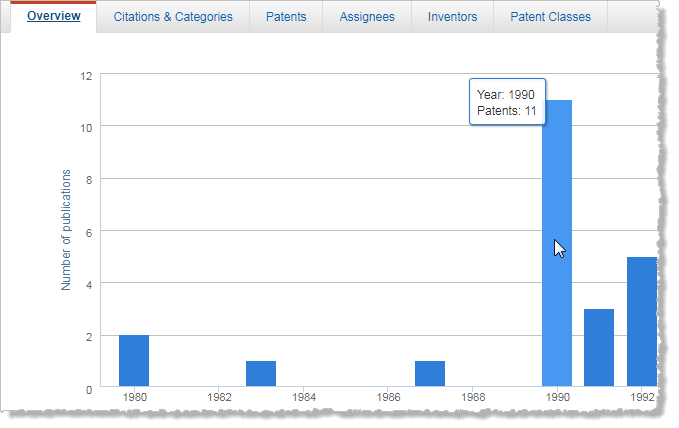
Patents Activity chart
Total number of patents
The total number of patents that are selected for this analysis is displayed above the chart.
- To view the chart as a line graph, click
 .
. - To view the chart as an area graph, click
 .
. - To view the chart as a bar graph, click
 .
.
"Top Five" charts
The total number of patents that are found in each category is displayed in the headers. The charts show the following:
- Names of the assignees, inventors, and patent classes
- Number of patents for each assignee, inventor, and patent class