Smart Compare
View changes between sequential versions of a document.
Note: Smart Compare does not work for certain publishers including: NORSOK and NFPA.
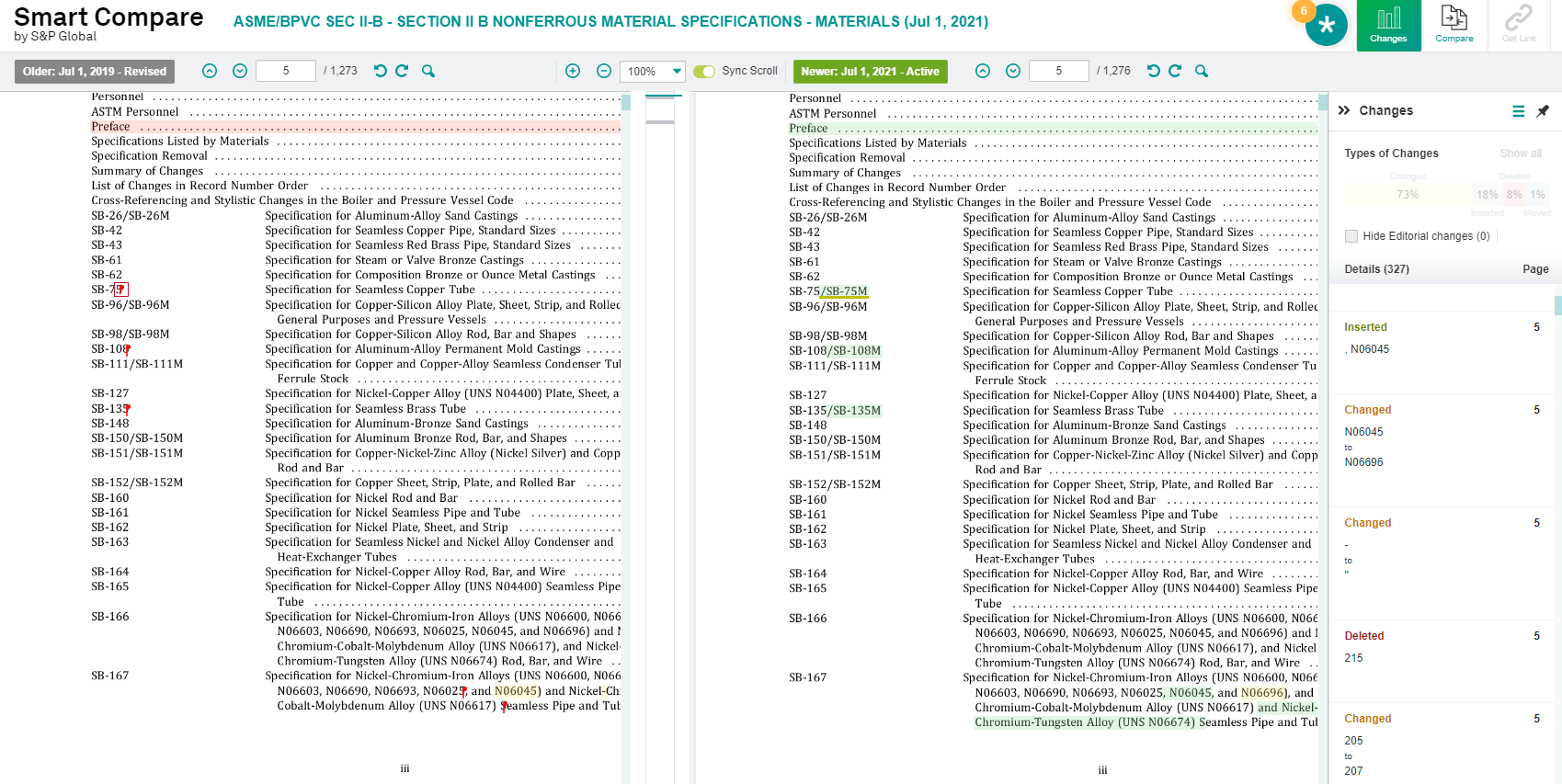
Smart Compare highlights the differences between two versions of the same document including changes, deletions, insertions, and editorial changes.
When you are working on a side-by-side comparison between two documents using Smart Compare, you can see specific details about the types and locations of changes. The Changes column allows you to see every kind of change as you scroll through the two documents.
Get Link
Click Get Link button to create a permanent link to this comparison.
If you select 'Save position' option, then document will scroll to the current position and change that you have selected.