Browsing ASME boiler & pressure vessel codes
To display the ASME boiler & pressure vessel codes page, click ASME BPVC on the home page.
The  ASME
BPVC page can be used in two modes:
ASME
BPVC page can be used in two modes:
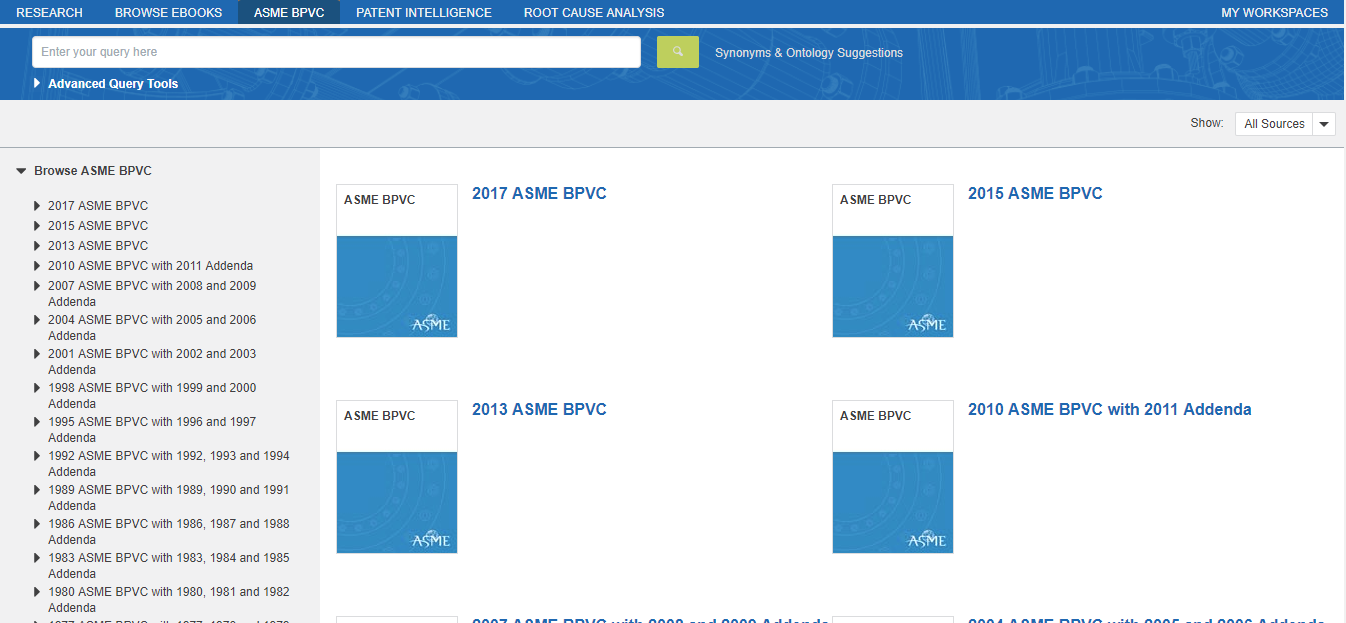
- Browse mode, where you can browse Accuris's collections of ASME boiler & pressure vessel codes by table of contents.
- Search mode, where you can search Accuris's collections of ASME boiler & pressure vessel codes and filter your search results.
Browse mode
On the left panel of the page is a table
of contents of ASME boiler & pressure vessel document sets.
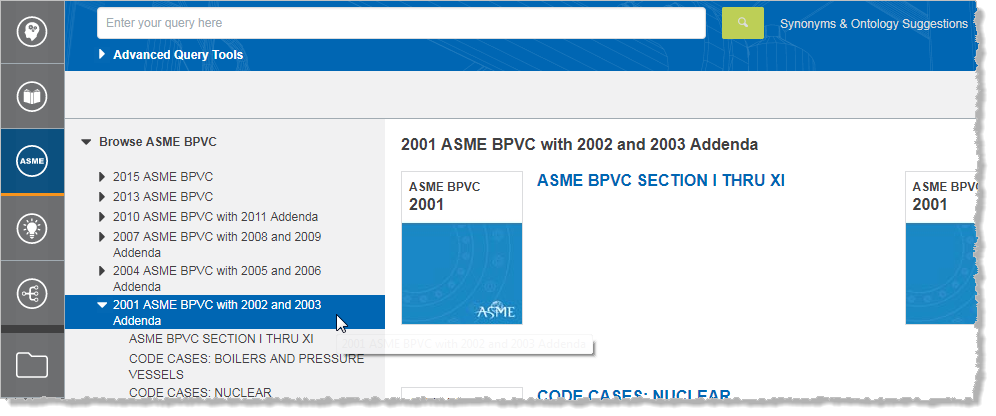
-
To view table of contents details, click
 to open a contents item.
 -
To browse, click an item in the table of contents. Selected items are displayed on the right panel.
Search mode
To activate Search mode in ASME BPVC, simply enter a query in the query box.
Note: You can search by document number in ASME BPVC, and Engineering Workbench will only search for references to the document number in the document number field. The list of results that are returned for your query will be a targeted one. If you can't find what you are looking for, you can direct Engineering Workbench to perform a more extensive search for references to the document number in other fields, like the document body. You can do this by clicking Get more extensive search results for your query.