Working with watch lists
Watch lists enable you to quickly access Codes & Standards documents that you use frequently. Watch lists enable you to set up both private and shared lists of Codes & Standards documents, providing a method for quickly retrieving frequently needed documents that help you stay on top of regulatory and contract compliance issues.
You can set up alerts for watched documents. When documents in your lists are updated or revised, Engineering Workbench sends email notifications to alert you. In addition, alerts are indicated on document citations on your search results as well as on the watch list widget of your home page, to notify you that documents were updated.
All of the watch lists that you create are displayed on the  My
Watch Lists tab of My Workspaces. Watch lists are
displayed in the form of folders. You can send and share watch lists to other users.
My
Watch Lists tab of My Workspaces. Watch lists are
displayed in the form of folders. You can send and share watch lists to other users.
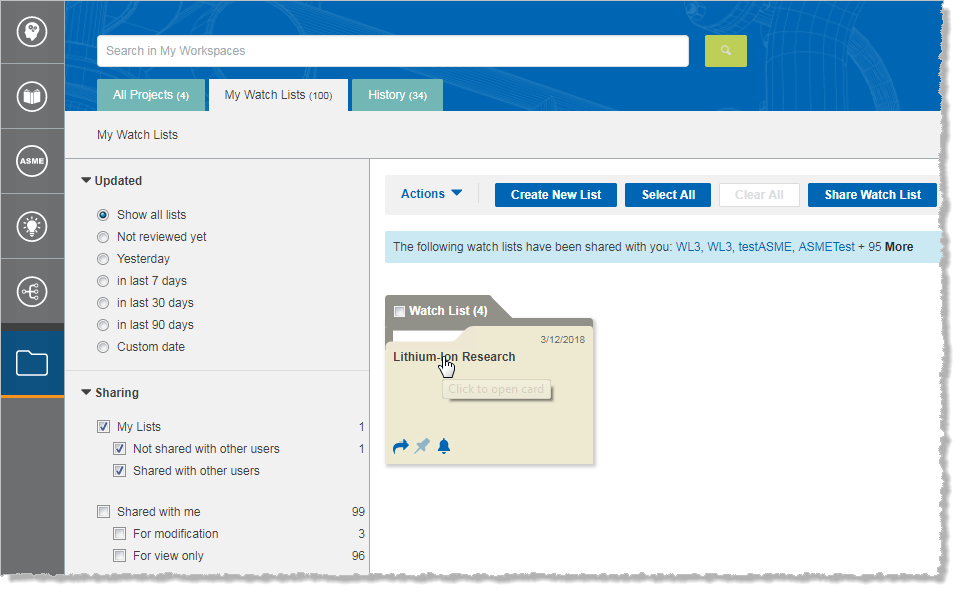
To work with a watch list, first click anywhere on the watch list folder
to open it. The watch
list and all of its contents are displayed.
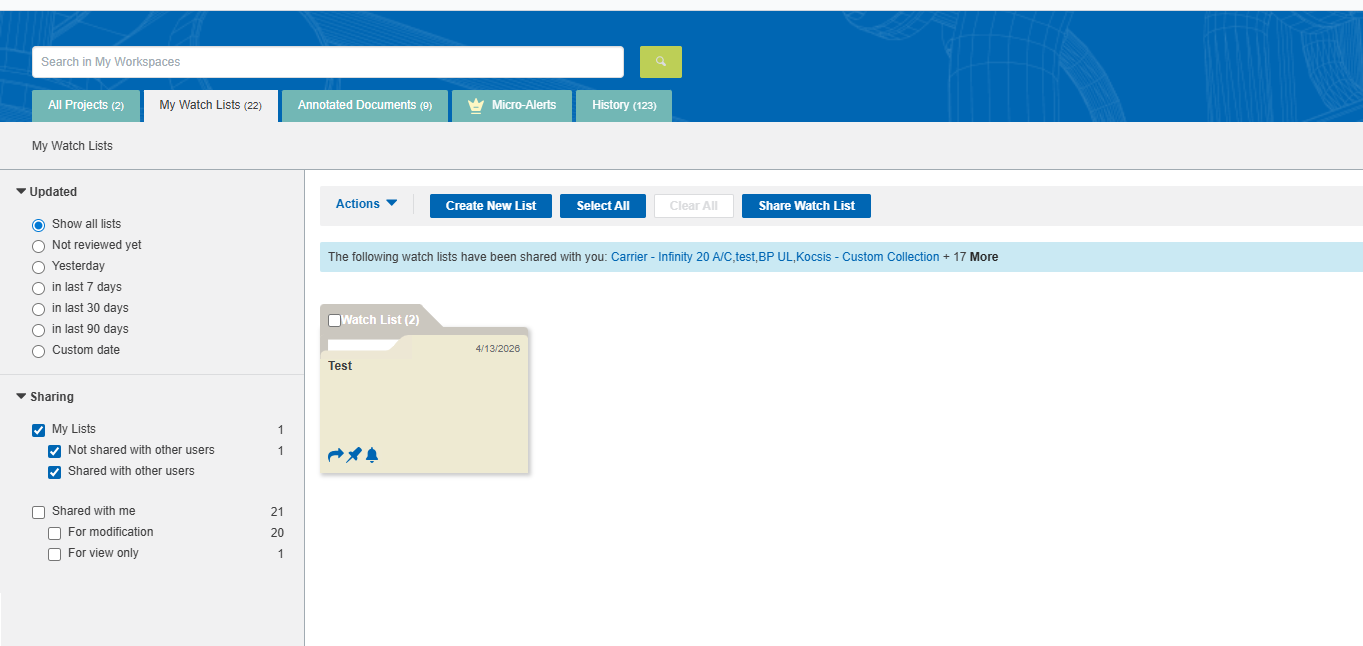
- To delete watch lists, first select the ones you want to delete, and then click Actions > Delete.
-
 .
. - To share a watch list with other users, click
 .
. - To turn off notifications about updated documents in watch lists,
click
 . By default, notifications for you,
the owner of the watch list, are turned on.
. By default, notifications for you,
the owner of the watch list, are turned on. - To filter the watch lists by date, under Updated on the left pane, click one of the date ranges.
- To modify a watch list, open the watch list, and click more/edit. You can change the title, the description, whether to display the watch list on the home page, and so on.
- To preview a document that is not part of your subscription, but has a preview available, click on the title or document number.
- To add a document note
to a document in a watch list (if you are an Engineering Workbench
administrator), click
 .
. - To view a document note (if you are an Engineering Workbench
user), click
 .
.
- To sort the watch lists, click the Sort by menu, and then click one of the following:
-
- Title
- Newest on the top
- Oldest on the top
- Most recently updated first
- Oldest revisions first
- Last modified by me
- To change the number of watch lists that are shown, click a number next to Results per page. To view more pages of watch lists, use the page navigator at the bottom of the page:
