Overview of search results
About the search results area
The search results area is located below the query area. In the search results area you can view the following:
-
One or more pages of
 Answers
& Citations results
Answers
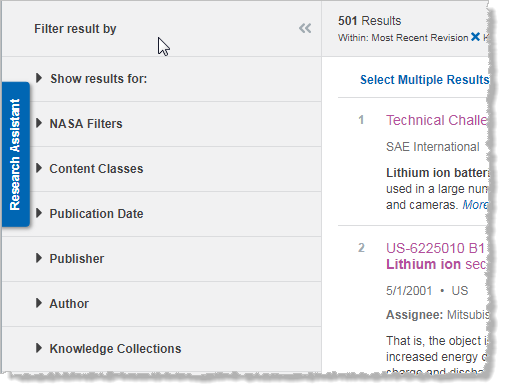
& Citations results - Panel of filters
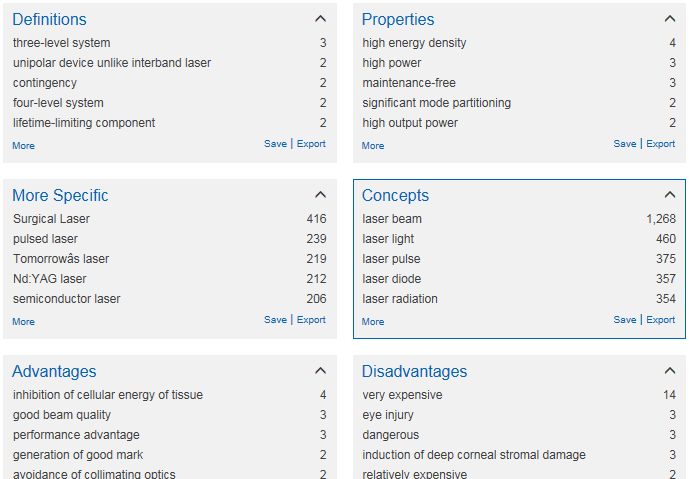
and concepts (facets)
- Categories of results that are displayed on the Research
Assistant
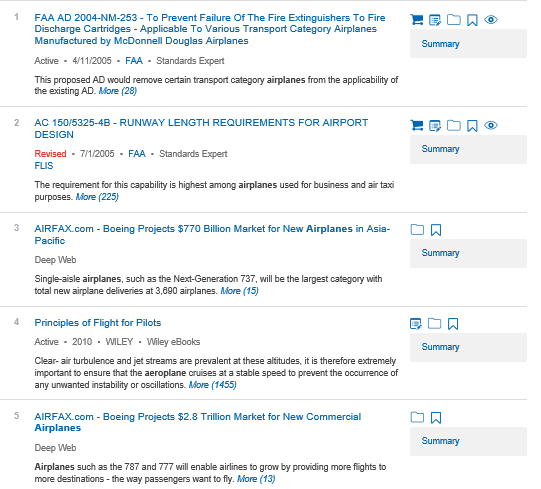
The contents of the results area will look different depending on the current view of your search results.
- You can display results from all of your selected sources, or you can display results only from your subscribed sources.
- You can sort your results by relevance, by publication date, or by document number (only for standards documents).
Filters panel
The filters panel at the left of the search results area lists a variety of filters that you can use to filter the display of your search results. The filters are grouped in several categories. To apply one or more filters to your search results, select the check boxes next to the filters that you want to apply.
Translating search results
You can have your search results translated from one or more languages into the language that you specify. To specify your translation options, click Translation at the top of the results area.
In the results area, all results in the languages that you chose for translation are translated into the language that you selected.
For details about translating search results, see Working with answers and citations.
Saving or exporting search results, or adding search results to a watch list
For details about these options, see Working with answers and citations.