Using Research Assistant – categories view
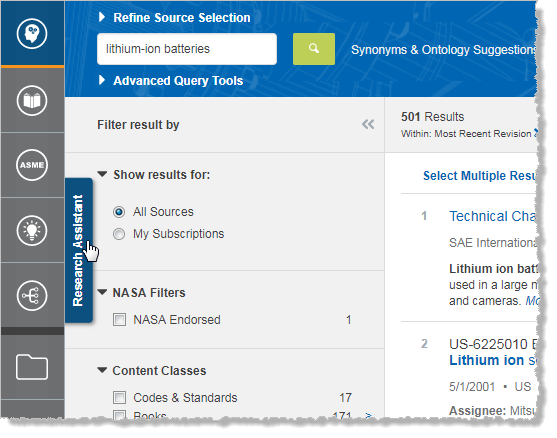
To display  Research Assistant, click Research Assistant at the left side of the results page under Filter results by.
On the left panel are displayed the following:
- Set of links that give access to general categories of results (such as General Facts, Parameters, Causes and Effects, etc.)
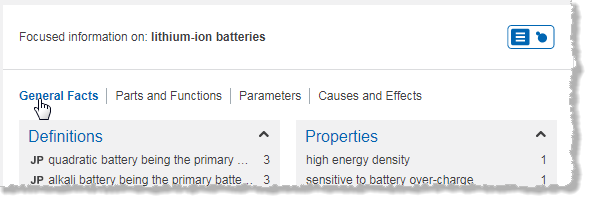
- Set of categories that are included in the selected general category. By default these categories are displayed as boxes that contain answers (results) within that category. You can display these categories graphically for visual contextual navigation by clicking
 at the top of the left panel.
At the right of the display of categories, on the middle panel, is displayed the list of filters (or facets), which you can use to filter your search results.
On the right panel is displayed a list of answers and citations. What is shown here depends on the following:
- Categories (general or specific) that you have selected on the left panel.
- Filters that you have selected on the middle panel.